

Setup Guide for WiFi NFC Device
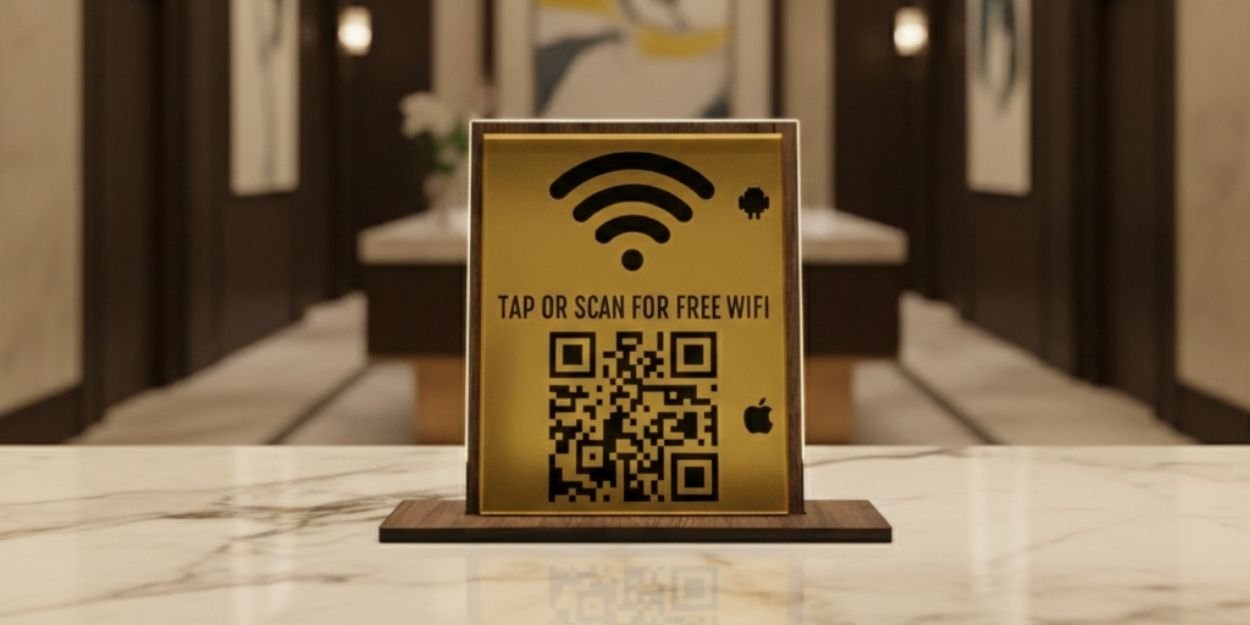
This WiFi NFC setup guide shows you how to connect your Vibeartz laser cut NFC tag to your network. The whole process takes under two minutes. Once you finish, guests just tap their phone against the tag to join WiFi. No typing passwords. No reading signs out loud.
Our team handcrafts every NFC tag from timber on the Sunshine Coast and pairs it with a scannable chip. The steps below work for any tag, whether you use it in your home decor, on your café counter, or in an Airbnb. Prefer to skip the setup? Our team can configure the tag for you, check our design services and pricing page for details.
How WiFi NFC setup works
NFC stands for Near Field Communication. It is the same short range wireless technology that powers contactless payments. Most recent phones support it. On iPhone, NFC works automatically. On Android, you just switch it on in Settings. Follow the six steps below to write your network details to the tag, then test it before you hand it to your guests.
WiFi NFC Setup FAQs
Common questions about setting up your NFC tag
What do I need before I start WiFi NFC setup?
Grab your Vibeartz NFC tag, a smartphone with NFC turned on, and your WiFi name and password. The full WiFi NFC setup takes about two minutes once you install the NFC Tools app.
Does WiFi NFC setup work on iPhone?
Yes. Compatible iPhone models turn on NFC automatically. You can skip straight to downloading the NFC Tools app and writing your network details to the tag.
My phone will not detect the tag, what should I check?
Remove thick phone cases first, they often block the reader. Keep your phone steady while it writes to the tag. Keep only one phone near the tag during setup. Still stuck? Restart your phone, turn NFC back on, and try again.
Can I change the WiFi network later?
Yes. You can rewrite NFC tags as many times as you like, unless someone has locked the tag. Just repeat the write steps with your new network name and password.
Still stuck after following this WiFi NFC setup guide?
Email us at sales@vibeartz.com and our team will help you troubleshoot the tag. You can also browse our home decor collection to see our full range of laser cut NFC pieces.